
¡Hola, geeks! En este artículo, les enseñaré cómo jugar Pictionary en Zoom de forma divertida y creativa. Descubre los mejores consejos y trucos para organizar una partida virtual con tus amigos y familiares. ¡Prepárate para poner a prueba tus habilidades artísticas mientras te conectas con tus seres queridos a través de la tecnología! Let’s get started!
How to Play Pictionary on Zoom: A Fun Tech Solution for Virtual Game Nights
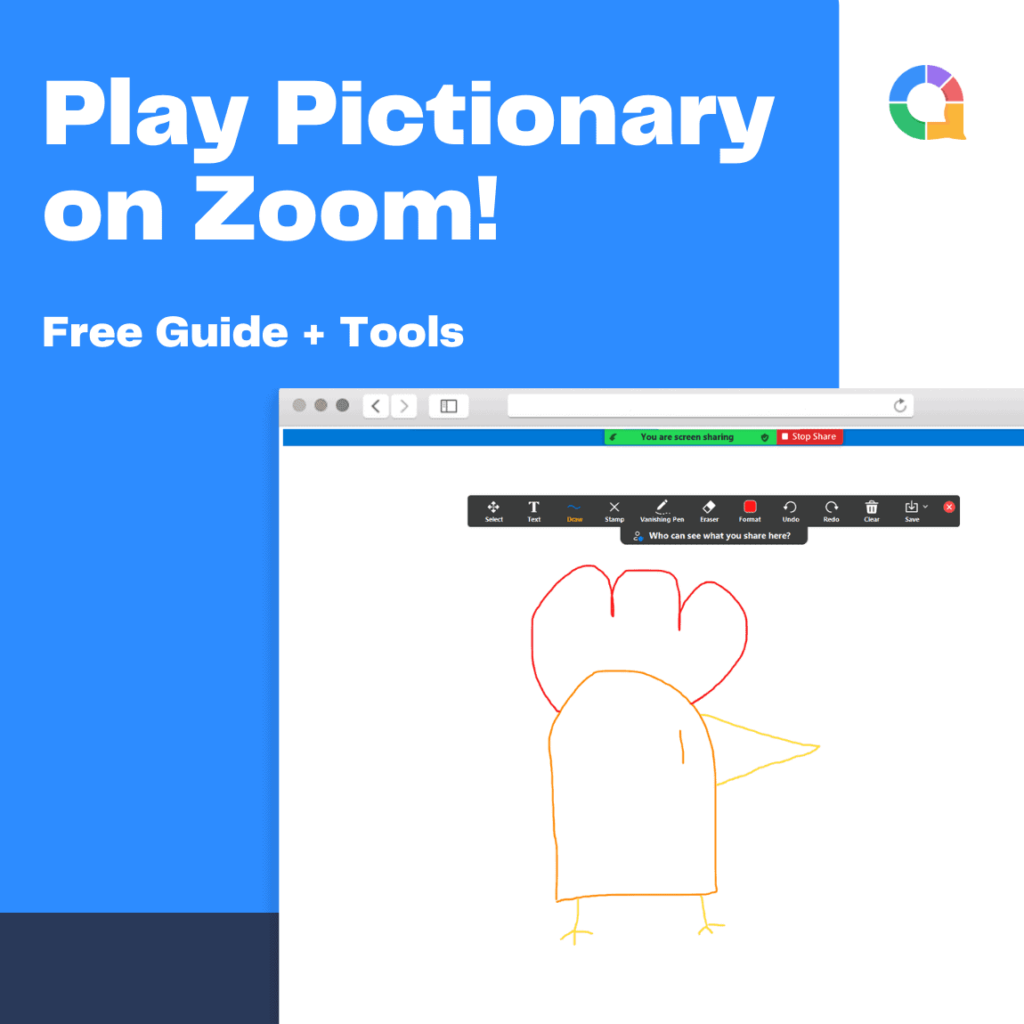
To play Pictionary on Zoom, you can use a fun tech solution that will spice up your virtual game nights. Pictionary is a classic drawing and guessing game that can be easily adapted to an online format. Here’s how you can set it up:
1. Choose a host: Select someone to act as the game host. This person will be responsible for keeping track of the score and managing the game.
2. Share screen: The host should share their screen on Zoom, displaying either a virtual whiteboard or a drawing app. There are many online whiteboard tools available, such as AWW App or Google Jamboard, which allow participants to draw and guess.
3. Create teams: Divide the players into teams. You can use breakout rooms in Zoom to separate them into smaller groups. Each team should have a designated “drawer” who will be responsible for sketching the clues.
4. Choose categories: Decide on the categories for the game, such as movies, animals, or famous landmarks. This will help narrow down the options and make the game more focused.
5. Start sketching: The host can randomly select a word from the chosen category and let the “drawer” start sketching it on the shared screen. The other team members must then guess what the drawing represents.
6. Set time limits: To keep the game moving, set a time limit for each round. If the team fails to guess the word within the time limit, the opposing team gets a chance to steal the point.
7. Keep score: The host should keep track of the scores for each team. You can use the built-in chat feature on Zoom to display the scores or simply keep a tally on a separate document.
8. Rotate roles: After each round, rotate the roles so that each team member gets a chance to be the “drawer.”
Playing Pictionary on Zoom can be a great way to have fun and connect with friends and family remotely. Get creative with your drawings, and enjoy the virtual game night!
Remember to have a stable internet connection for a smooth gaming experience.
Frequent Questions
Can I play Pictionary on Zoom using a smartphone or tablet?
Yes, you can play Pictionary on Zoom using a smartphone or tablet.
Are there any specific settings or features I need to enable on Zoom to play Pictionary?
No, there are no specific settings or features you need to enable on Zoom to play Pictionary.
Is it possible to use virtual backgrounds or overlays while playing Pictionary on Zoom?
Yes, it is possible to use virtual backgrounds or overlays while playing Pictionary on Zoom. This can be done by selecting a virtual background or overlay image that fits the theme of the game and uploading it to the Zoom settings. It adds a fun and engaging element to the game, allowing players to personalize their environment while playing.
In conclusion, playing Pictionary on Zoom is an innovative way to bring the classic game into the digital age. With the convenience and versatility of Zoom’s video communication platform, friends and family can connect and have a blast guessing drawings from the comfort of their own homes. Whether you’re hosting a virtual game night or simply looking for a fun way to stay connected, Pictionary on Zoom offers endless entertainment possibilities. So grab your pens and paper, fire up Zoom, and let your artistic skills shine in this tech-savvy twist on a beloved favorite. Happy drawing!

