
Introduction:
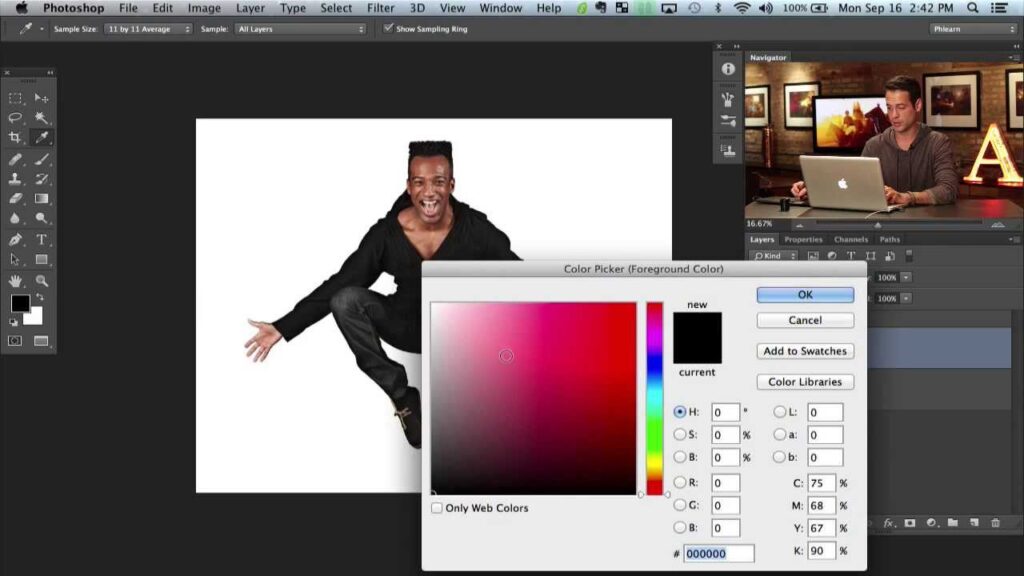
In this article, we will explore a simple and effective technique to cut someone out of a picture using basic photo editing tools. Whether you want to remove an ex-partner from a photo or eliminate distractions, we’ve got you covered with step-by-step instructions and helpful tips. Let’s get started with the art of seamless photo manipulation!
Mastering the Art of Digital Image Editing: How to Seamlessly Remove Unwanted Elements from Pictures
Mastering the Art of Digital Image Editing: How to Seamlessly Remove Unwanted Elements from Pictures
In today’s digital age, being able to manipulate images has become an essential skill. Whether you are a professional photographer or an avid social media user, knowing how to edit photos is a valuable asset. One of the most common tasks in digital image editing is removing unwanted elements from pictures.
Removing unwanted elements can transform a good photo into a great one. It can help eliminate distractions, improve composition, and create a more visually appealing image. But doing it seamlessly requires a solid understanding of various digital editing techniques.
Understanding Tools and Techniques: To successfully remove unwanted elements from pictures, you need to familiarize yourself with the various tools and techniques available in digital image editing software. These tools include the clone stamp tool, healing brush tool, and content-aware fill, among others. Each tool serves a specific purpose and learning how to use them effectively is crucial.
Selecting the Right Approach: When it comes to removing unwanted elements, there is no one-size-fits-all approach. Depending on the complexity of the element and the surrounding area, different techniques may be required. For example, if the unwanted element is small and surrounded by a simple background, the clone stamp tool might suffice. However, if the element is larger or embedded within a complex background, using the content-aware fill or healing brush tool may yield better results.
Practicing Patience: Removing unwanted elements can be a meticulous process that requires patience and attention to detail. It is important to take your time and make precise adjustments to ensure a seamless result. Rushing through the process can lead to noticeable flaws in the final image.
Refining the Edits: After removing the unwanted element, it is essential to review the image and make any necessary refinements. This may involve adjusting levels, color correction, or sharpening specific areas. Paying attention to these details can significantly enhance the overall quality of the edited image.
Experimenting and Learning: Removing unwanted elements from pictures is a skill that improves with practice. Don’t be afraid to experiment with different techniques and tools to find what works best for you. Additionally, learning from tutorials, online resources, and expert photographers can provide valuable insights and help refine your editing skills.
In conclusion, mastering the art of digital image editing involves understanding the tools and techniques available, selecting the right approach for each situation, practicing patience, refining edits, and continually learning and experimenting. By honing these skills, you can seamlessly remove unwanted elements from pictures and create visually stunning images.
Frequent Questions
Can I use technology to remove someone from a picture?
Yes, you can use technology to remove someone from a picture using photo editing software such as Adobe Photoshop or GIMP.
What tools or software can help me erase someone from a photo?
Photoshop is the most popular software that can help you erase someone from a photo. It provides various tools like the Clone Stamp Tool and Content-Aware Fill to seamlessly remove unwanted elements from an image.
Is it possible to delete a person from a picture without leaving any trace?
Yes, it is possible to delete a person from a picture without leaving any trace using advanced image editing software and techniques such as content-aware fill and clone stamping. These tools allow the user to remove unwanted elements from an image seamlessly by filling in the gaps with surrounding pixels. However, it requires skill and precision to ensure that the edited image looks natural and does not leave any noticeable traces of manipulation.
In conclusion, cutting someone out of a picture has become an incredibly convenient task in today’s digital age. With the advancements in technology, we now have access to powerful image editing software and online tools that make the process quicker and more precise than ever before. Whether you’re a professional photographer, a social media enthusiast, or just someone looking to create fun and creative content, mastering this skill can greatly enhance your abilities and ensure that your images accurately reflect your vision. By following the step-by-step guide outlined in this article, you’ll be able to confidently remove unwanted elements from your photos and achieve seamless results. Remember to practice and experiment to refine your techniques and unlock new possibilities for your visual storytelling. So, go ahead and get creative!

