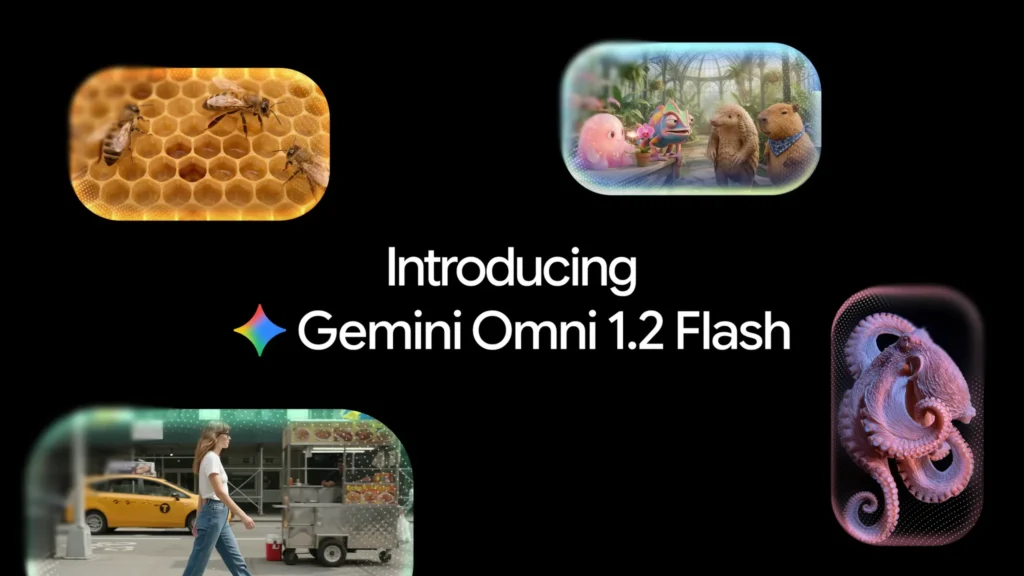
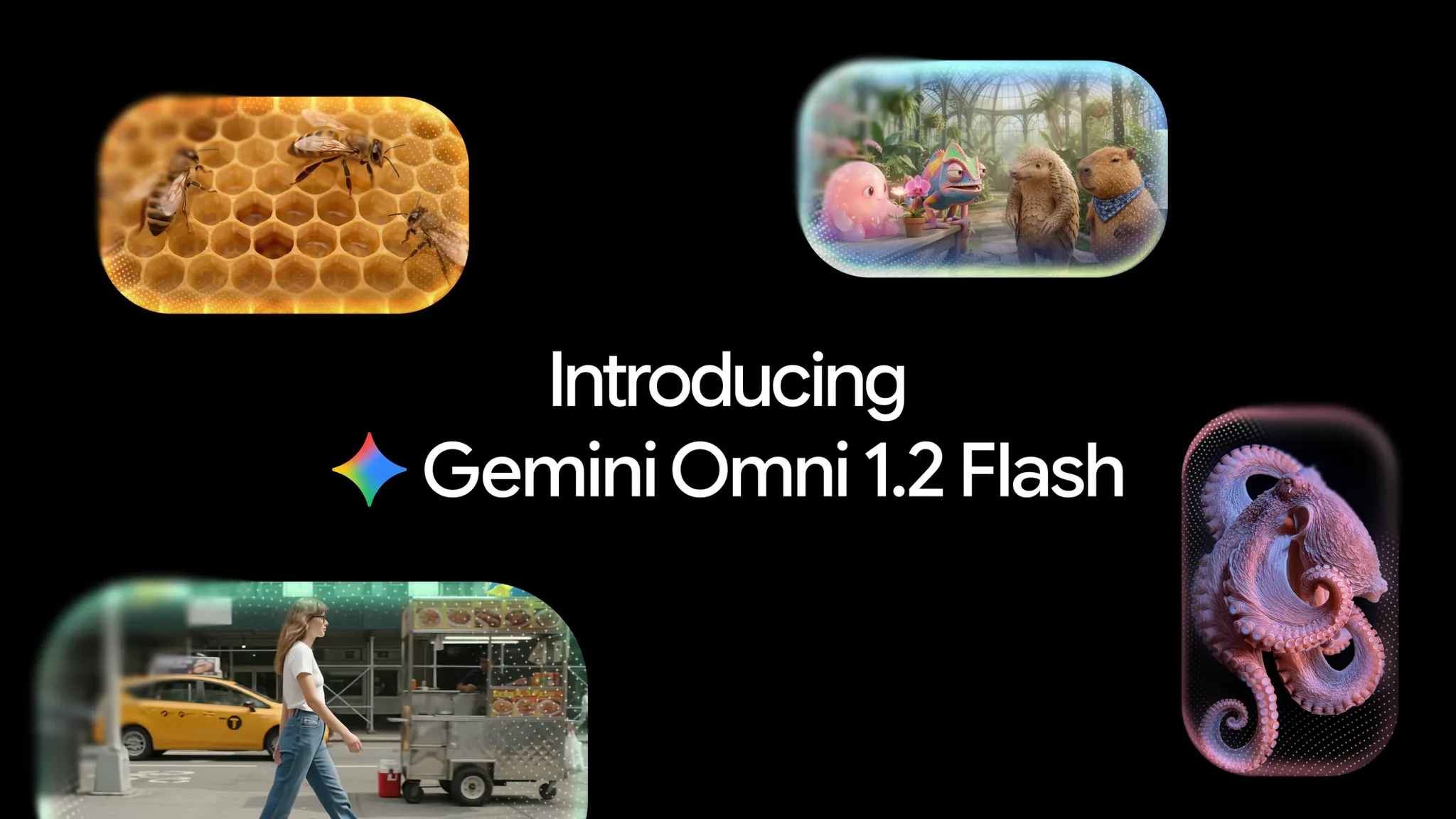
AI video has a simple problem: the clips are so short the idea almost never fits. An ad, a product explainer, a scene with two people talking — all of it needs more than ten seconds, and Google’s video model stopped right at ten. On November 5, 2026, Google shipped Gemini Omni 1.2 Flash, and the whole change fits in one number: 15 seconds.
It’s not just extra time. This is general availability — the first in the Omni family to reach it — in the Gemini API and Gemini Enterprise, with conversational editing, much tighter reference tracking, and a price about 30% lower. In the API it goes by gemini-omni-1.2-flash and takes text, images, and video in, and hands back video with sound.
So what can you actually do with those extra seconds, what does a clip really cost, and where is the model already in use? Everything below comes from Google’s official announcement and its pricing page, and the article marks what’s Google’s claim and what’s a calculation or a reported fact.
What Gemini Omni 1.2 Flash is and why it’s here now
Gemini Omni 1.2 Flash follows Omni 1.1 Flash, which Google only ever offered as a preview. The distinction matters: 1.1 never made it to general availability, while 1.2 has, backed by Google Cloud and with reserved capacity — Provisioned Throughput — for production workloads. Google considers it ready for real products, not just prototypes.
It generates and edits video natively, with synced audio: the full clip comes from a text prompt, reference images, or a video you want to change, in lengths from 3 to 15 seconds picked second by second, with 10 seconds as the default.
Google positions it as its fast, cheap video model for producing in volume, next to Veo, its higher-quality line. And it only gets compared to itself: there are no comparisons with Sora and no independent benchmarks. For now, everything said about its quality comes from Google.
15 seconds: a whole ad finally fits
Going from 10 to 15 seconds sounds small until you try to fit an idea into ten seconds. With 15, there’s room for a complete story, a product explanation, or an entire social media ad in a single generation. Before, that ad had to be split into two or three clips, and you had to hope the product didn’t change color between them.
The length is set in one-second steps, so you don’t pay for 15 seconds when the idea fits in 7. The default is still 10 — the old ceiling.
One wrinkle from the documentation: interpolating between a first and last frame is still limited to clips of 3 to 10 seconds; ask for more and you get an error. The API lets you extend a video by 3 to 10 seconds per turn, up to 30 seconds total, according to documentation cited by specialist press. Fifteen seconds is the cap per generation, not the cap on what you can build by chaining.
The price: $0.07 a second… and the fine print
The headline price is the one in the announcement: $0.07 per second of video at 720p, about 30% less than Omni 1.1. And it’s true — but only if you read the whole thing. That figure covers video output at 720p only. Everything else is billed separately, and there’s no free tier for this model in the API: every generation costs money.
The bill makes sense in tokens, because Google doesn’t charge per second, it charges per output token: at 720p, each second equals 5,792 tokens at $12 per million. The math comes to $0.0695 a second, which Google rounds to $0.07. A 15-second clip is 86,880 tokens — about $1.04 for the video alone, before any other charge.
Then come text input and output: input — prompt, references, and source video — costs $1.50 per million tokens, and text output costs $9 per million. A prompt barely adds pennies, but every reference and every edit turn adds up, and each edit produces a new video. The pricing page doesn’t say whether an edit bills as a full clip; the safe assumption is that it does.
Other resolutions have their own rates: a 360p draft runs about $0.023 a second (15 seconds for $0.35), while 1080p and 4K run about $0.104 and $0.209 ($1.56 and $3.13 for a 15-second clip). Note that 1080p and 4K aren’t native generation — they’re upscaling. The workflow Google sells is “cheap draft, then upscale”: work at 360p or 720p and only pay to upscale the clip you keep.
Against the previous version, the saving is clear: Omni 1.1 ran about $0.10 a second, and its longest clip — 10 seconds — cost $1.01. Omni 1.2 delivers 15 seconds for $1.04: 50% more footage for three cents more. The 30% cut is also rounded: the token price fell from $17.50 to $12 per million, a real drop of about 31%. The per-second price is real, but the cost of a finished clip depends on how many drafts you throw away.
The price cut lands at a strange moment: while AI video gets cheaper, the memory that powers these models is getting more expensive. The memory shortage is already pushing up prices for the Switch 2, Apple, and the rest of the hardware market — and in that market, cheaper generation is also a way to compete.
Editing by talking: the change you’ll actually notice
If 15 seconds is the headline, conversational editing is the change you’ll feel most. In Omni 1.1, fixing a detail meant regenerating the whole clip and crossing your fingers. In Omni 1.2, you ask for the change in a message — product, background, light, weather, or aspect ratio — and the model hands back the same clip, modified.
The official demo is a medieval scene: the messages swap the background turn by turn — striped tent, oak forest, stable with a white horse, fairground, stone castle — while the characters, the reflections on their armor, and the framing stay untouched.
Editing works on full clips of up to 15 seconds, and Google pitches it for ad variants: same product, different audiences and formats, without rewriting the brief or starting from scratch. For anyone producing ads in bulk, that’s worth as much as the per-second price.
Google’s recommended flow: draft at 360p or 720p, fix it by conversation, and upscale only the winner to 1080p or 4K. Cheap test first, expensive finish only for the version that stays. And the same price warning applies: every edit turn is a new generation, so budget each correction as one more clip.
The reference runs the show: faces, products, and brands that don’t warp
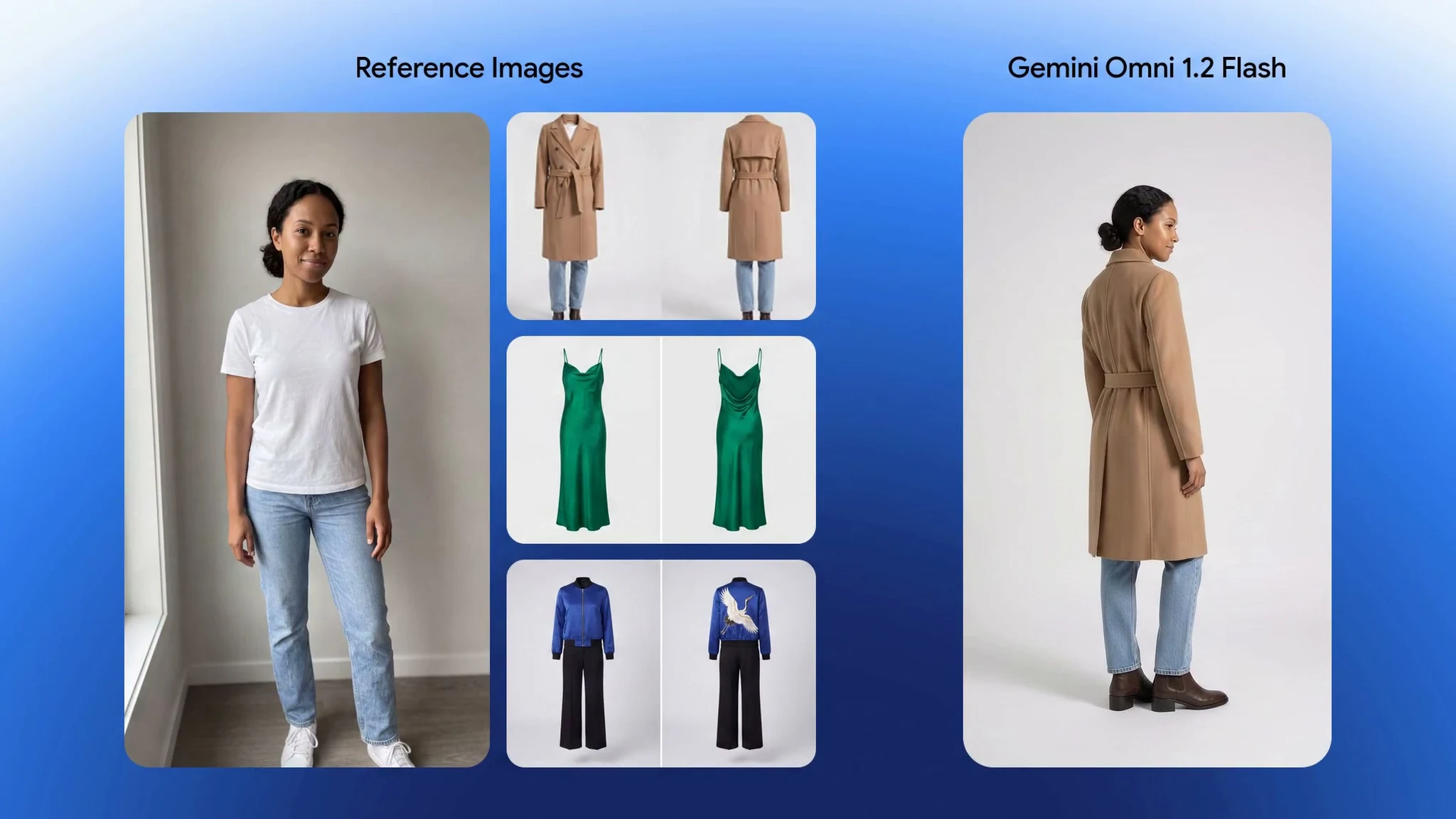
The other big change is how well the model holds onto a reference: photos of a person, a product, or a style, motion clips up to three seconds long, and audio cues. Google promises that faces, clothing, packaging typography, and brand colors stay consistent across camera angles — something the previous version lost easily.
The clearest demo is virtual try-on: with a photo of the model and front-and-back photos of three garments — a camel coat, a green dress, and a blue jacket — the model generates 15 seconds in which the model turns a full 360 degrees and changes outfits with edit cuts, keeping her identity and the cut, drape, and back details of each piece. For an online store, that’s a moving catalog with no photo shoot.
It works for objects too: Google shows a poster the model builds layer by layer — the letters HALO, GLOW, and LUMEN, with fluted glass and faceted crystal — holding every material and shadow through the last frame. In 1.1, by Google’s own account, the result didn’t look as close.
Consistency shows in motion as well: less drift and fewer deformations when the angle changes or two keyframes are interpolated. Everything stays stable from shot to shot — exactly what used to break when you stitched ten-second clips together. None of these improvements come with published benchmarks: they’re Google’s claims, and the only way to check them is to try the model with your own photos.
More natural voice and movie-style camera
Audio is half the video: smoother dialogue, clearer lip-sync, and distinct voices per speaker. The demo is an animated scene in a greenhouse: from one image, four characters, and a one-second voice reference per character, the model gives each voice to the right character in a 15-second conversation between a chameleon, a pangolin, a capybara, and a pink creature arguing over an orchid.
Voice as an interface isn’t just Google’s thing. The same November 5, Meta introduced Muse Voice, its assistant with voice and video calls and an avatar that reacts to your tone. Two announcements on the same day, two takes on the same idea: voice and generative video are becoming the interface, not just the content.
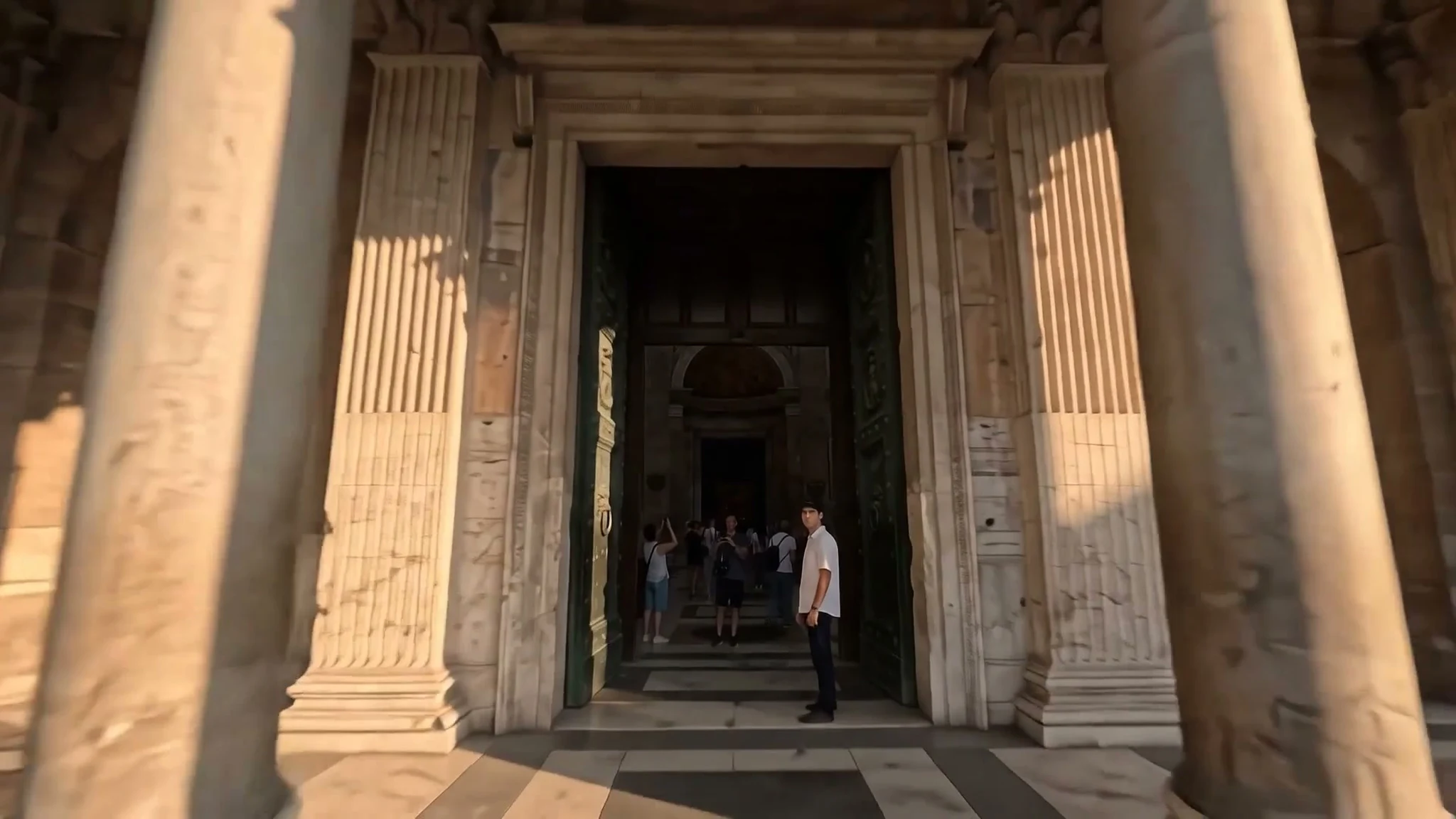
On camera, it promises continuous movement — FPV flights, pull-backs, and orbits — with fewer cuts, stable scale, and a cinematic look. The demo is a drone flight through the Pantheon: guided by two reference photos, the model flies in from the plaza, through the bronze doors, and up the dome to the oculus, without a single cut. Two photos and one instruction for a shot that in a real shoot would need a drone, permits, and a full day.
Where you can use it and what it costs in each place
The model doesn’t arrive in a single product, and the price depends on where you go in. For developers, it’s in the Gemini API — with prototypes in Google AI Studio — and in Google Cloud, with Provisioned Throughput to reserve capacity. In the API you pay per token, as detailed above, and there’s no free tier.
In Google’s apps, the picture changes. In Flow, the tool for directing scenes, you get the 15 seconds, extension, and upscaling; according to specialist guides, those features require a paid Google AI plan — Plus, Pro, or Ultra — while free tiers stay at 10 seconds. In Google Vids, 15-second clips carry no extra cost with a Google or Workspace account, according to the official announcement. In the Gemini app, the 15 seconds are rolling out to Google AI Ultra subscribers, with no date for everyone else. Google Ads rounds out the list.
Two dates mark the transition. According to the pricing page, starting December 3, 2026, requests to gemini-omni-1.1-flash will automatically route to Omni 1.2 and bill at the new rates: nobody has to migrate by hand. In Flow, the older models — Veo 3.1 Fast, Veo 3.1 Quality, and Omni 1.1 — retire on December 5, according to documentation cited by specialist press. Anyone with flows built on 1.1 has a month to try the new one.
What Google isn’t promising (yet)
A launch is also measured by what it doesn’t say. First, quality against the competition: no independent benchmarks, no comparisons with other models — just Google’s word against its predecessor. The improvements are the manufacturer’s claims, not results measured by third parties: it’s worth trying the model on a real job before adopting it.
Second, Google admits the weak spots: work continues on fast sports action, rapid script changes, and complex physics. If the idea involves a game or a chase, this still isn’t the tool. For product ads, explainers, and dialogue scenes, though, it’s right in its lane.
There are also limits that don’t appear in the announcement but do in the documentation: editing or extending uploaded videos isn’t available in the European Economic Area, Switzerland, or the United Kingdom; audio inputs aren’t supported in the current API, and audio references sit behind an allowlist. Every video carries an invisible SynthID watermark that marks it as AI-generated, even though you can’t see it.
Even so, the commercial interest is already there: according to the Google Cloud announcement cited by specialist press, companies like Picsart, Photoroom, invideo, and Runway are already building with the model. Short AI video stopped being a curiosity and became a production line. Omni 1.2 Flash didn’t invent that trend, but it puts a lower price, fifteen seconds, and talk-to-edit on it. Try it this week on a real job and look at the invoice before committing to more.