You post the Story, spot the typo, and it’s already too late. Until now, the only fix on Instagram was to delete it and post it again, losing the views, likes, and replies it had already picked up. That’s over: Instagram now lets you edit a Story for up to 15 minutes after posting, without touching anything it already earned. Adam Mosseri, Instagram’s head, announced it on Wednesday, November 18 — one of those small features people have been asking for for years.
Instagram has been busy this year: we recently covered how it pays creators up to $500,000 for long video and the launch of Effect Builder for making Story filters from a prompt. This one’s more modest, but it’s the one you’ll actually notice day to day: fixing a typo without starting over.
What you can edit — and what you can’t
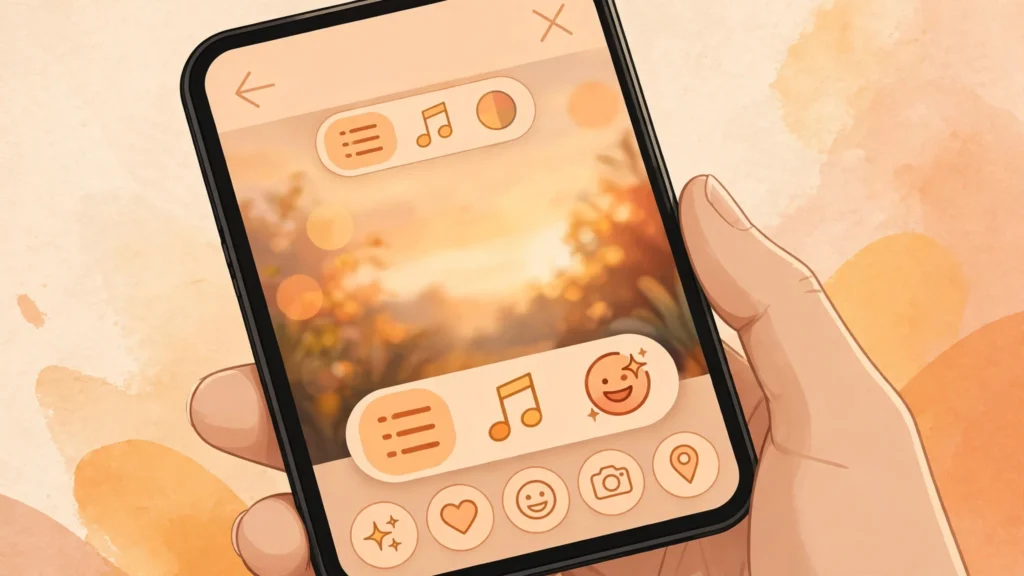
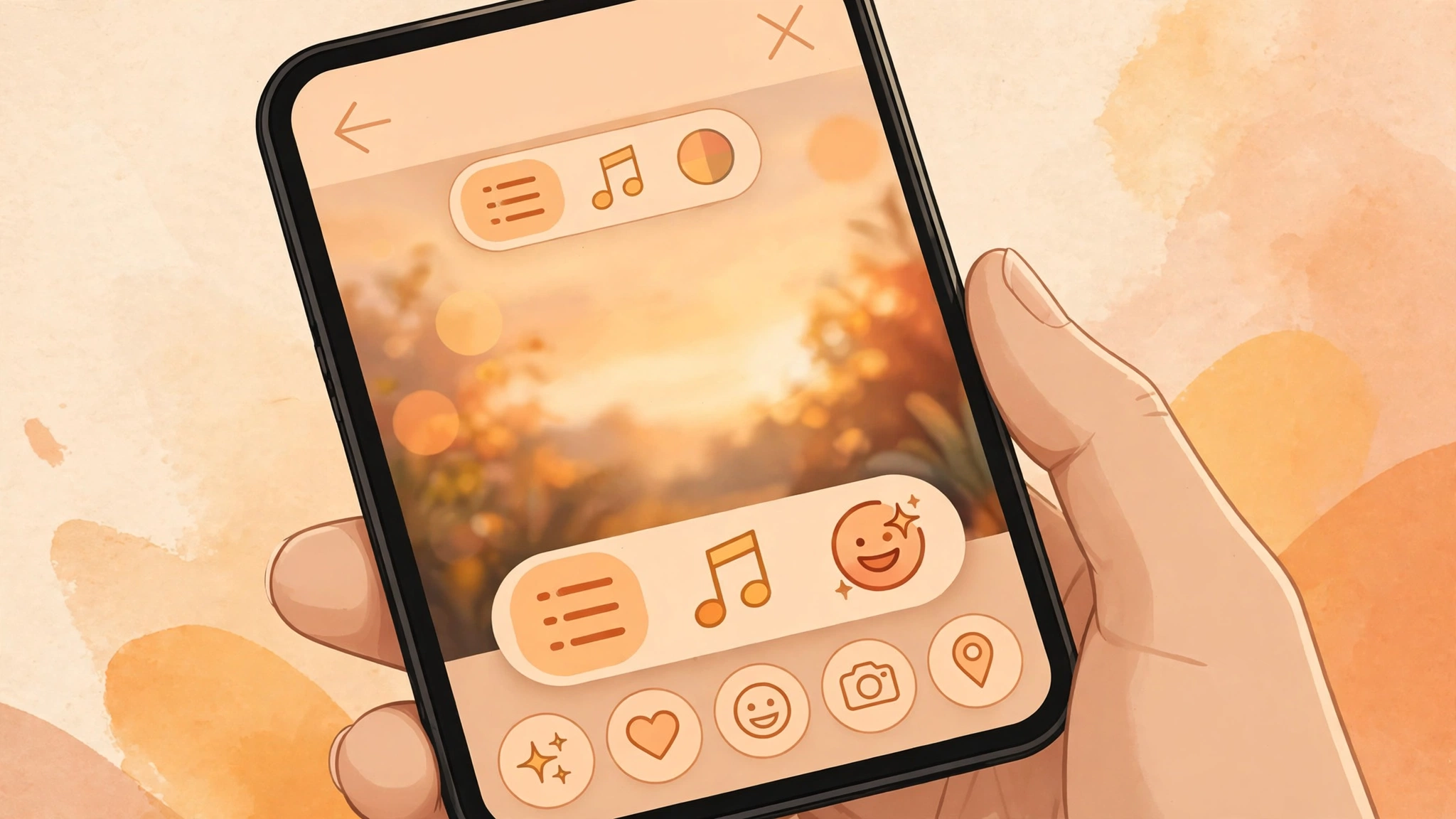
Inside that 15-minute window, you can change the text, the music, the stickers, and the drawings. In other words, exactly the things typos hide in: a misspelled word, the wrong song, a sticker in the wrong spot. The Story keeps the views, likes, and replies it already had — which was the real cost of deleting and reposting.
What you can’t change is the photo or video itself. If the clip is bad or it’s the wrong photo, no edit will save it: you still have to delete and post again, like always. And don’t expect the Story to look untouched afterward: once edited, Instagram adds an “Edited” label so anyone viewing it knows it was changed after posting.
How to edit a Story, step by step
The process is short, and worth memorizing, because the clock is running. Open your own Story, tap the three-dot menu in the bottom-right corner, and choose “Edit story.” From there you can fix the text, swap the music, move or add stickers, and touch up drawings. Save, and you’re done: the Story stays right where it was, views intact.
The important detail is the clock: the 15 minutes start the moment the Story goes live, not the moment you notice the mistake. If the typo shows up in minute 16, you’re out of luck. It’s the same limit Instagram set this year for editing comments, and the logic is the same: a window to fix things, not an open door to rewrite content hours later.

The limits worth knowing
The feature has two exceptions worth knowing before you count on it. It isn’t available on Stories that were also shared to Facebook, or on Stories with certain stickers. Instagram hasn’t said which stickers those are, so if your Story uses one of the fancier ones, the option may simply not show up.
The other one is more obvious: editing is for Stories only. It doesn’t extend to Reels or feed posts, which keep their own rules. And like every Instagram launch, this one is rolling out gradually: if you don’t see the option on your account yet, that’s not a bug — it just hasn’t reached you. Updating the app to the latest version is the only part in your hands.
Why it matters for creators
Stories turn ten in 2026, and until now they were the only Instagram format you couldn’t touch after posting. For anyone who posts daily — and creators post several a day — a typo meant losing the reach the Story had already built, which is exactly the hardest part to get back. Fifteen minutes isn’t much, but it covers the usual case: you post, a follower flags the mistake (or you spot it yourself), and you fix it without losing anything.
The feature arrived alongside other Story updates: new sticker designs, an easier way to select multiple photos, and backgrounds for photos of any size. None of that changes the game, but it all points the same way: Instagram is polishing the small things that annoyed people every day. After years of asking, editing a Story is finally possible. You just have to be quick.

FAQ
How long do I have to edit a Story?
15 minutes from the moment it goes live. After that window closes, the Story is locked and can only be deleted and reposted.
Do I lose views, likes, or replies when I edit?
No. The Story keeps everything it accumulated up to that point, which was the whole problem with deleting and reposting.
Can I change the photo or video in the Story?
No. You can only edit the text, music, stickers, and drawings. If the problem is the photo or video, you have to delete the Story and post it again.
Can people tell the Story was edited?
Yes: Instagram adds an “Edited” label so viewers know it was changed after posting.
Does it work on Stories shared to Facebook?
No. Editing isn’t available on Stories that were also shared to Facebook, or on ones with certain stickers.
What if I don’t see the option?
The feature is rolling out gradually and may not have reached your account yet. Update Instagram to the latest version and check again.
Can Reels be edited too?
No. Editing is for Stories only; Reels and feed posts aren’t included.