Google just touched the untouchable. Its homepage — the simplest, most recognizable page on the internet — is getting a redesign worldwide: the “Google Search” button is gone, replaced by Gemini shortcuts and a sidebar holding your AI Mode history. Robby Stein, Google’s VP of Product for Search, confirmed the change in a post on X on November 19, 2026. After a few weeks of testing, the new desktop design is now rolling out globally.
The move didn’t come out of nowhere. Google has spent months pushing AI deeper into Search, with AI Overviews summarizing results and AI Mode offering a conversational way to search. We covered Gemini 4 Hydrogen, Google’s fastest Gemini yet, and how you can try it free, and this redesign is the same strategy reaching the front door: the homepage stops being an empty box and becomes a starting point with AI built in.
The Search button is out; “I’m Feeling Lucky” survives
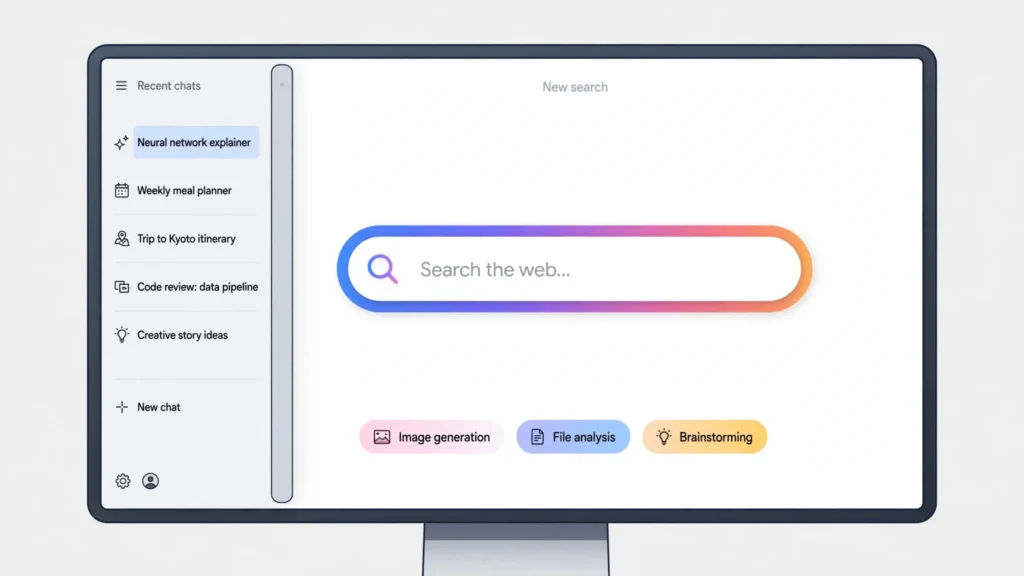
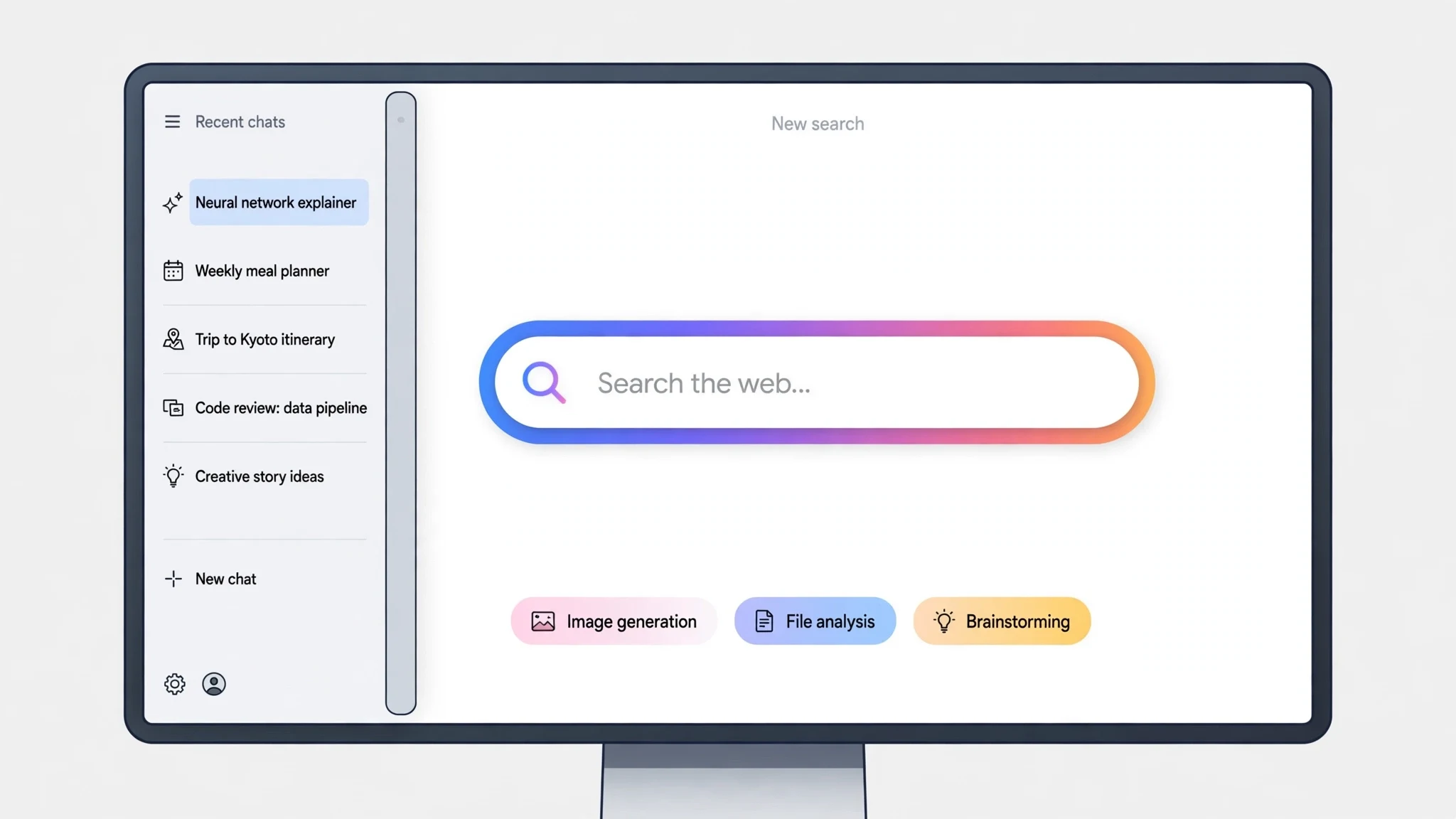
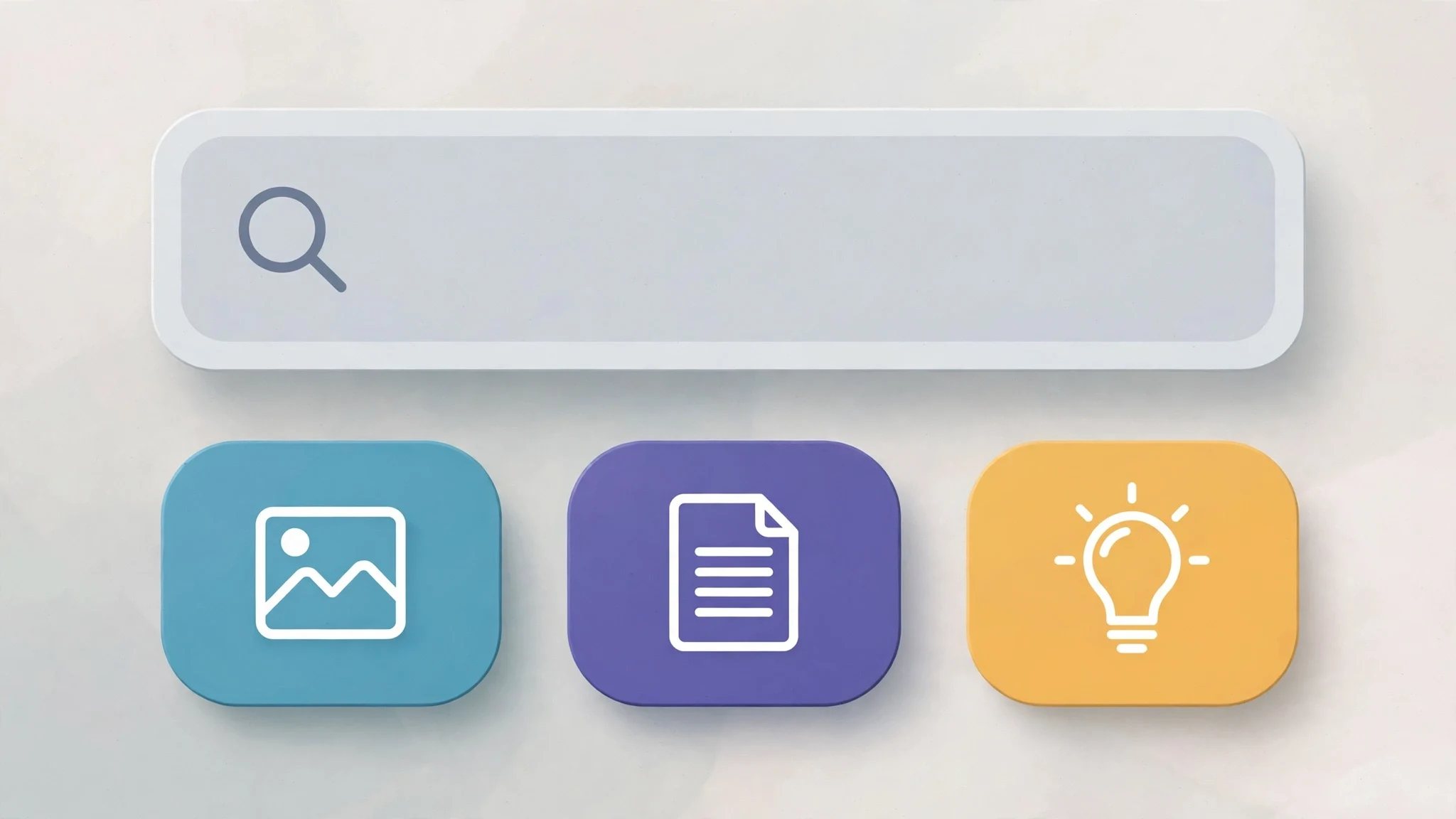
The headline casualty is the classic button that sat under the search box. In its place are three new buttons, all tied to Gemini: one to generate images with Nano Banana, Google’s image model; one to upload and analyze files; and one to brainstorm with Gemini. “I’m Feeling Lucky,” meanwhile, is still there. The button that skips the results entirely outlasted the button that actually runs the search — a fitting summary of where Google is right now.
To be clear, regular search isn’t going anywhere. Type a query, hit Enter or pick an autocomplete suggestion, and you get the usual results — not an AI Mode answer, unless you open AI Mode on purpose. Ars Technica, which reported the change, adds a practical detail: the old button had become a nuisance anyway, since autocomplete suggestions could cover it up the moment you started typing. Google is removing a button, not a feature.
A sidebar so you never lose the thread
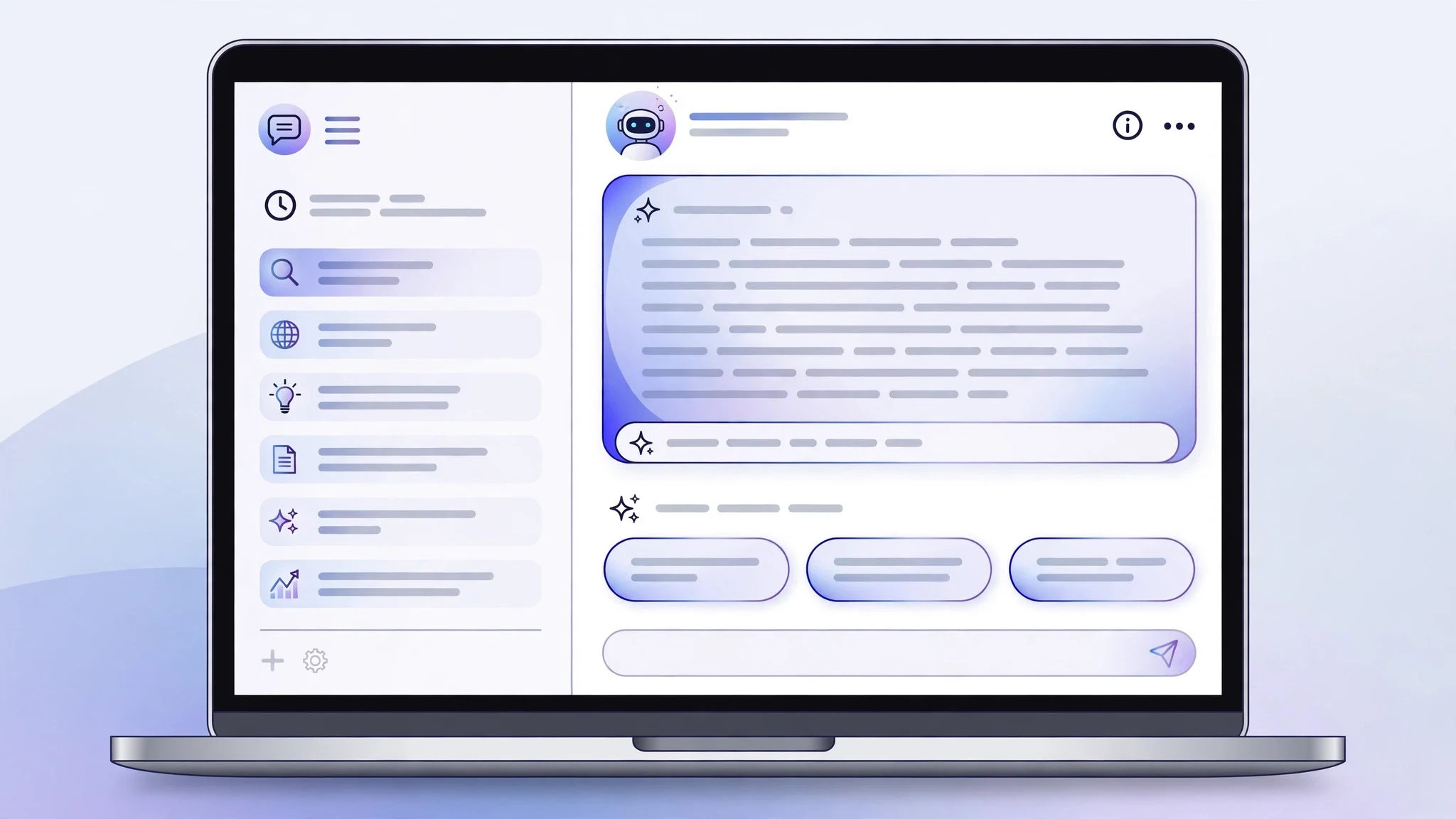
The other big change is a collapsible sidebar on the left side of the page. For signed-in users, it lists your recent AI Mode conversations, so you can pick one up instead of starting over. It’s available from the results page too, and from it you can open past searches, start a new thread, or search through older ones.
Stein explained the thinking in plain terms: people come to Search with questions that aren’t one and done, and in testing, the sidebar made a big difference in helping them make progress and keep exploring the web. It’s the same idea every chatbot app uses — your history always in view — now applied to Google’s homepage. The design had been in testing for a few weeks before going official.
Three buttons that say where Google is headed
The three new shortcuts are worth a closer look, because each one points at a different job. Generating an image, asking questions about a file, and brainstorming with Gemini aren’t searches — they’re tasks you used to do in other apps. Google is putting them right under the search box, before you type a word, because it wants you to start there.
From Google’s side, the logic is straightforward. If more and more queries are long, multi-step questions with context, a blank page isn’t enough anymore: the next step has to be on screen already. The open question is whether users actually want that. Google’s homepage became famous for having nothing on it, and filling it with AI is a real gamble on that identity. But the company has bet in this direction all through 2026, and this is its most visible move yet.
What you’ll notice (and what you won’t)
If you search the way you always have, you’ll barely notice a thing: type, hit Enter, get your results. What changes is the first impression — AI shortcuts where the button used to be, and a sidebar with your conversations if you’re signed in. Picking up an AI Mode research thread gets a lot quicker, though the sidebar only has anything to show if you have Search history and personalized recommendations turned on.
Coverage of the launch also notes that Google is rolling out temporary AI Mode threads, on desktop and mobile: sessions that aren’t saved to history, don’t feed personalization, and disappear when you close them. It’s the flip side of the sidebar — one mode that remembers everything, one that remembers nothing, and you pick. Google hasn’t given a date for finishing the rollout, so if you don’t see the new page yet, that’s normal: it’s arriving in waves.
The page that never changed just changed
There’s something historic about this redesign, even if it sounds like a stretch for three buttons and a sidebar. Google’s homepage survived nearly three decades of design trends while keeping its empty look, as the rest of the internet filled up with tabs, widgets, and news feeds. What finally filled it wasn’t a passing trend — it was AI: a conversation history on the left and three invitations to create, analyze, and think with Gemini.
And this is probably just the start. Google had already tested replacing “I’m Feeling Lucky” with an AI Mode button, and now the Search button itself — the one that seemed untouchable — is gone. If that button could disappear, no part of the homepage is sacred anymore. The likely next step is a sidebar with more features, and AI Mode slowly stopping being a mode at all and becoming Search itself.
Frequently asked questions
Did Google remove the Search button?
Yes, on the new desktop homepage the classic “Google Search” button is gone. Three Gemini shortcuts take its place: image generation, file analysis, and brainstorming.
Does regular search still work?
Yes. Type your query, hit Enter or pick a suggestion, and you get the usual results. AI Mode only kicks in if you open it on purpose.
What does the AI Mode sidebar do?
It’s a collapsible panel on the left of the homepage and the results page that shows your recent AI Mode conversations when you’re signed in, so you can continue them without starting from scratch.
Is “I’m Feeling Lucky” still there?
Yes, for now it stays on the homepage, alongside the new Gemini shortcuts.
When will the redesign reach my account?
Google is rolling it out globally on desktop since November 19, 2026, after a few weeks of testing, with no announced completion date. It arrives in waves, so it may take a while to show up for you.
Does the sidebar work without signing in?
Not as a history: to pick up past conversations you need to be signed in, with Search history and personalized recommendations turned on.